 Slice
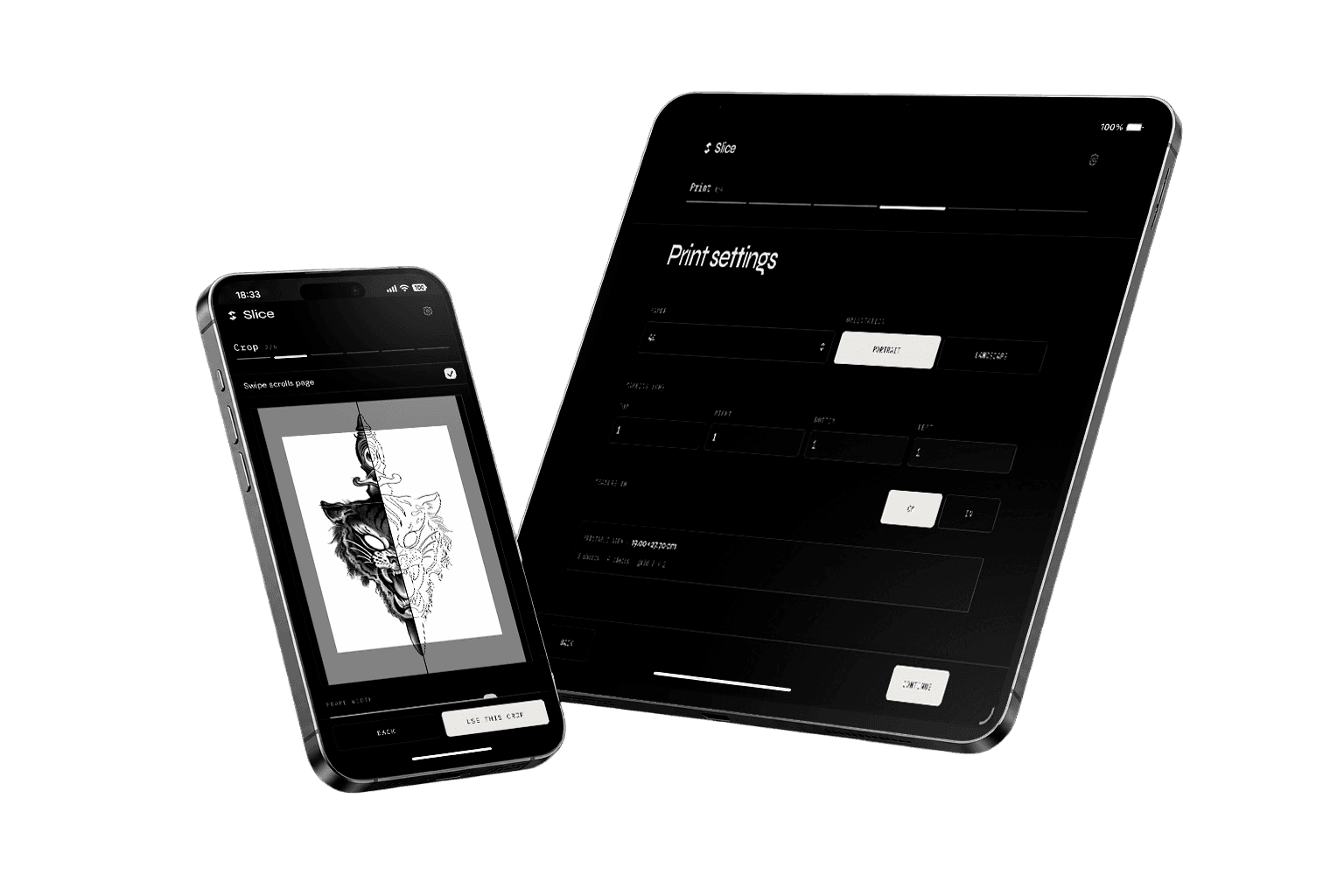
SliceCrop and reframe designs
Focus on the part of your design that matters before you size and slice.
Stencil slicing made simple.
Prepare tiled tattoo stencils in seconds.Slice Tattoo helps tattoo artists split, scale and print large designs across perfectly aligned pages in seconds.
Trusted by leading studios

The problem
Printing large tattoo designs manually can be slow and frustrating.
Adjusting scale, aligning pages and preparing stencils often wastes valuable tattooing time.
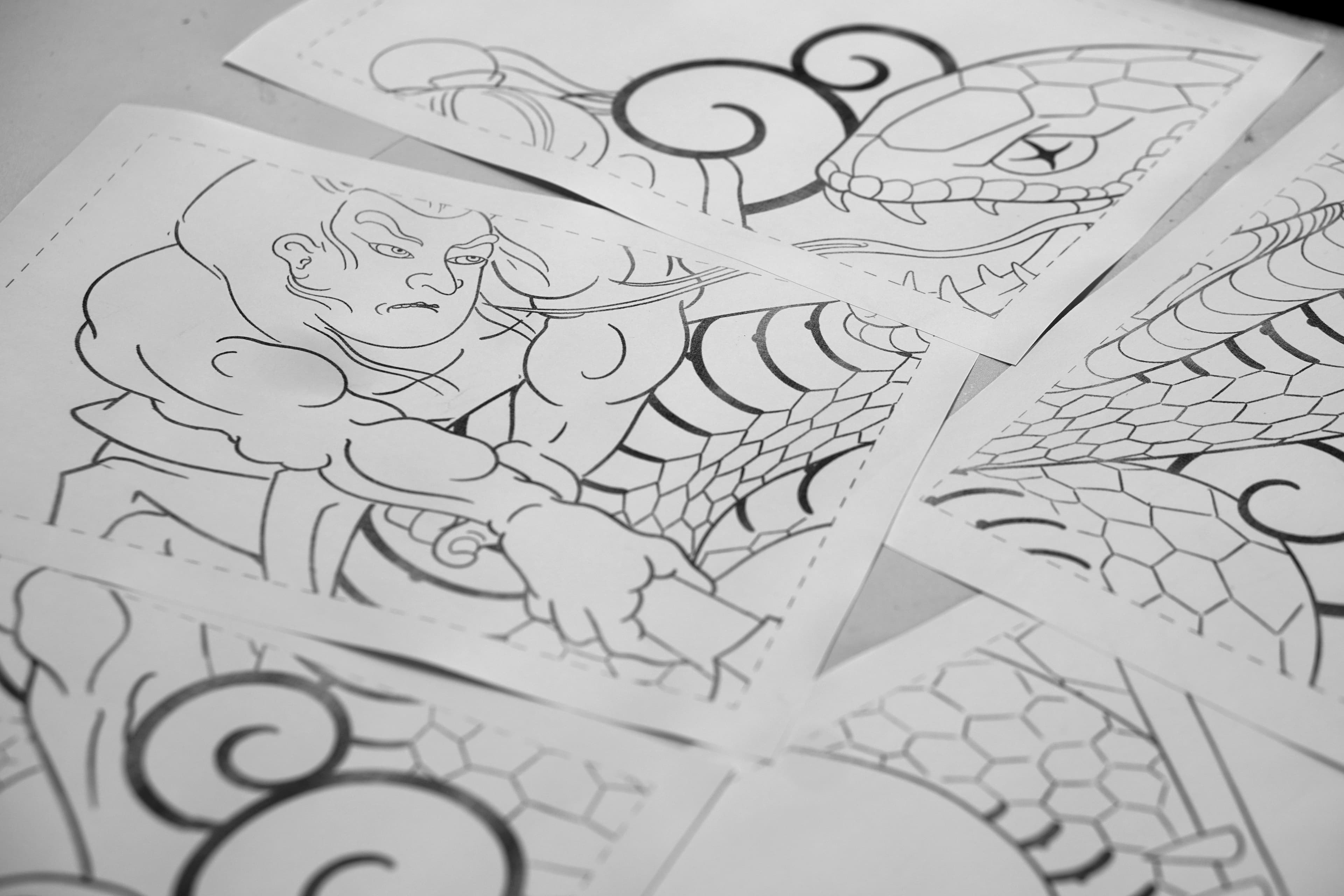
Guessing scale in Photoshop or Preview is slow — and one wrong percentage ruins the fit.
Splitting a sleeve or back piece across pages by hand eats time you should spend tattooing.
Thermal paper and ink add up fast when a trial print is off by even a few millimeters.
Too small or too large on skin means scrapping the transfer and starting over.
Features
Focus on the part of your design that matters before you size and slice.
Set exact real-world dimensions so your tattoo design prints at true scale.
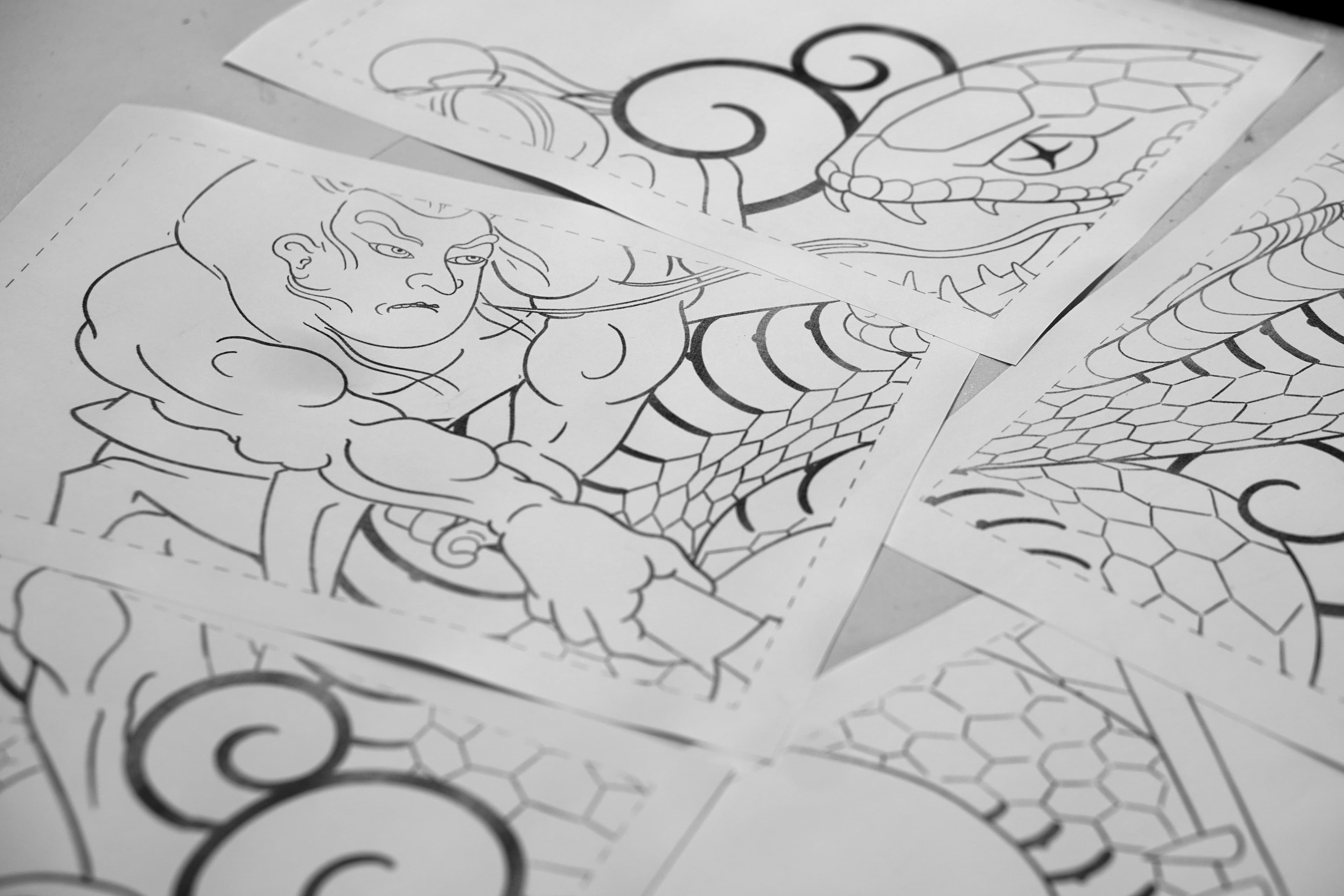
Tile large stencils across sheets with crop marks on every page.
Efficient layouts that use fewer pages and less wasted paper.
Save time and paper by previewing your stencil before printing it.
Send a print-ready PDF to any printer or AirPrint from your device.
How it works
Upload your tattoo design.
Choose the final size in cm or inches.
Slice Tattoo automatically creates perfectly aligned pages.
Print directly or export as PDF.
Future
RoadmapSlice Tattoo is the first tool inside a growing ecosystem built for tattoo artists.
Slice Tattoo
Stencil preparation
More artist tools joining the ecosystem
Get started
Slice Tattoo helps you focus on tattooing — not fighting with printers.
One-time purchase — no subscription.
FAQ
Yes. You can use Slice offline and export your stencil as a PDF.
Slice supports PNG, JPEG, and WEBP. For best results, use a high-contrast line drawing or stencil export.
You set the final width and height in real units. Slice calculates the print scale and tiles accordingly so the assembled stencil matches your target size.
Yes. Review the full tiled layout and each individual page before exporting or sending to print.
Both work great. iPhone is ideal for quick jobs on the go. iPad gives you a larger canvas for detailed work.
No. Slice is a one-time purchase on the App Store. Pay once and use it on all your devices tied to your Apple ID.
Any printer that accepts a PDF or works with AirPrint. Export your tiled pages as a print-ready PDF and send them to your studio printer, a copy shop, or print wirelessly from your iPhone or iPad.
There is no fixed size limit — Slice tiles your design across as many pages as needed. Very large pieces (full back, thigh panels, sleeves) are what the app is built for. Use a high-resolution source image for the best print quality on big stencils.
Slice includes crop marks on each page for clean trimming. It does not add overlap zones between pages — your design is tiled at the size you set. Preview the full tiled layout before you print or export your PDF.